What Google, Instagram and the rest know about you
Connect your accounts and see what is stored.



How it works
Datapods fetches your data where it already sits, and lays it out for you.
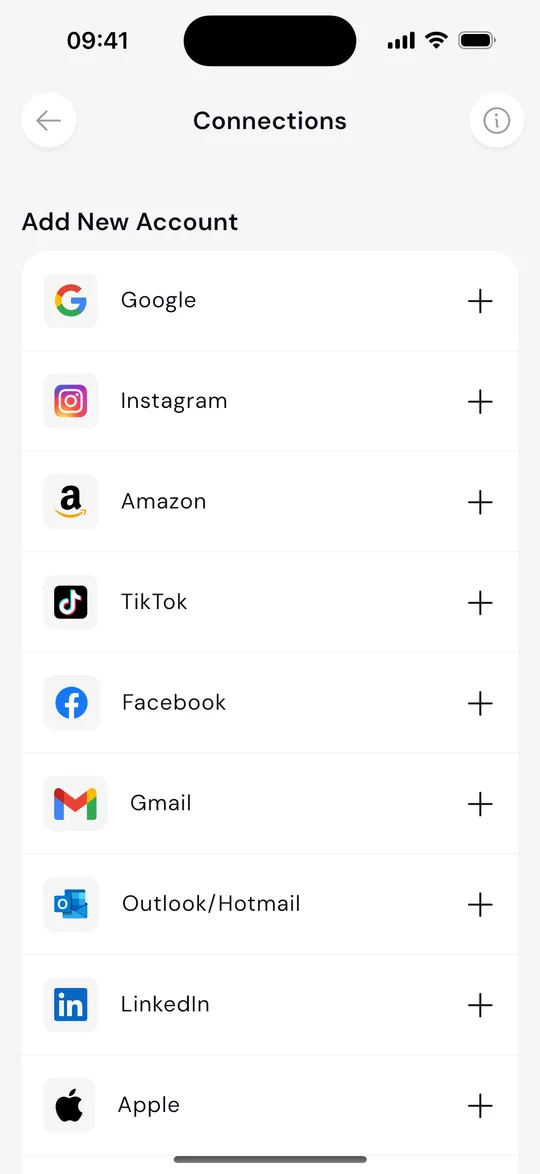
Connect an account
In the app you pick a service and connect it through the official data portability interfaces. You can download your Instagram data from Instagram's Accounts Center. In Datapods you connect Instagram and see it in your Datapod.
Datapods requests the data
Datapods asks that service for your data.
See it in your Datapod
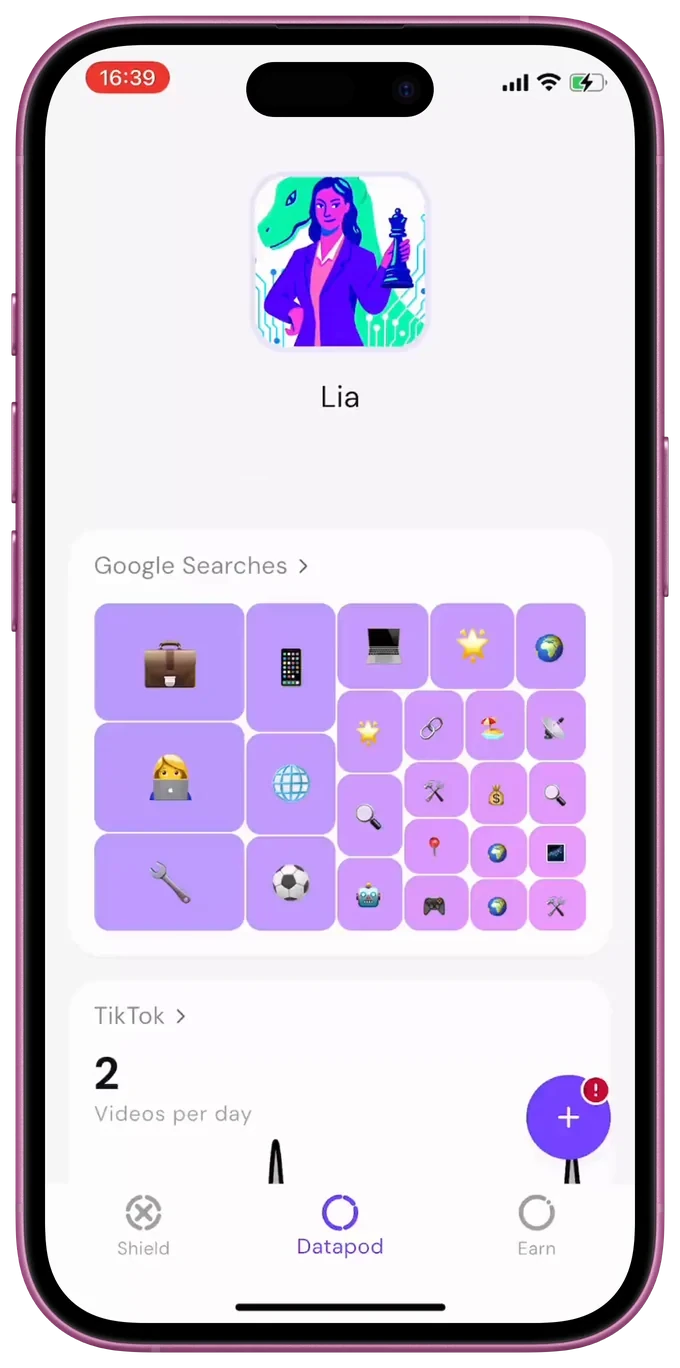
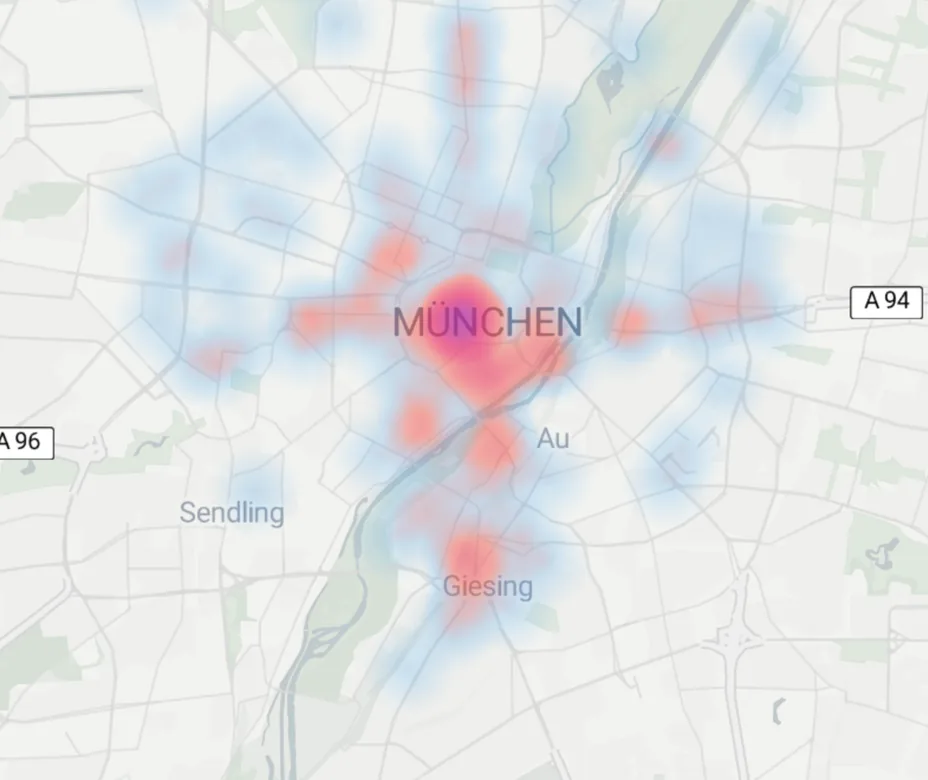
Your Datapod shows what is stored, in one view.
What you see depends on which accounts you connect.

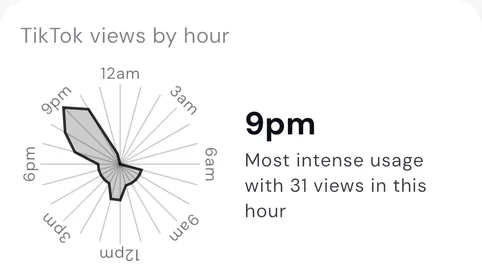
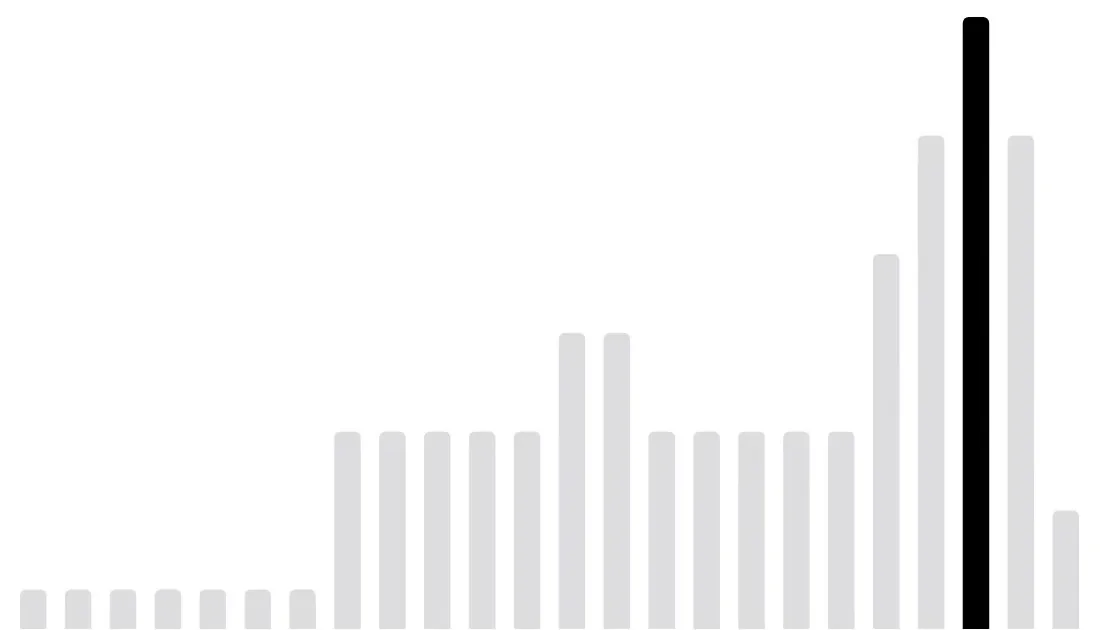
Videos by hour
9 pm31 videos
Understand
What's in your accounts.
You can connect these services.
 Google
 Instagram
 TikTok
 ChatGPT
 Amazon
 Facebook
 LinkedIn
 Gmail
 Outlook/
Hotmail  Apple
- In your accounts
See what is stored in them.
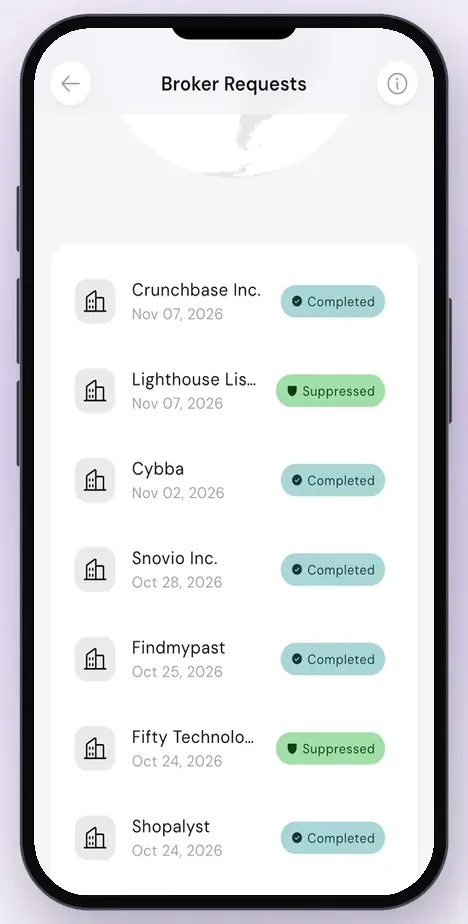
- Deletion requests
With Shield, we ask advertisers who received your data from Meta to delete it.
- A data dividend
If you want one, share your data for market research and take a cut of the revenue.
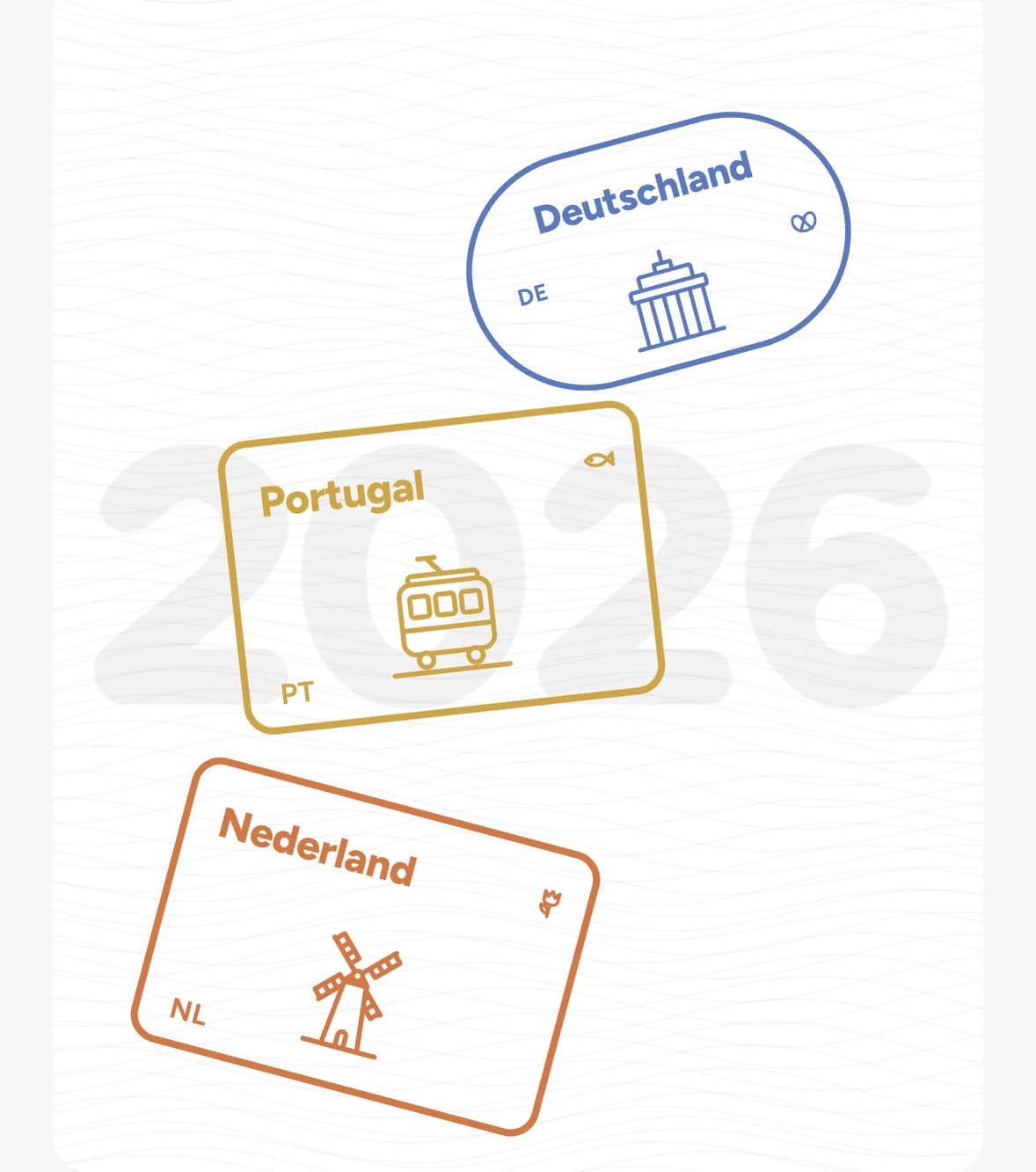
Your year as Wrapped
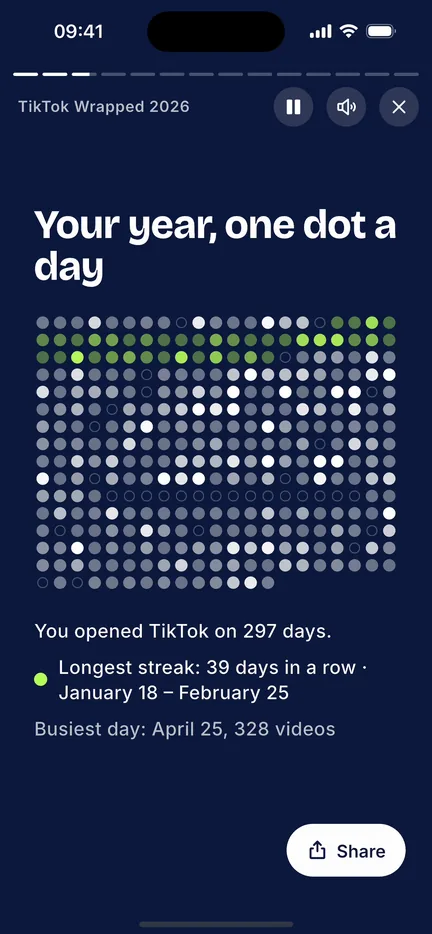
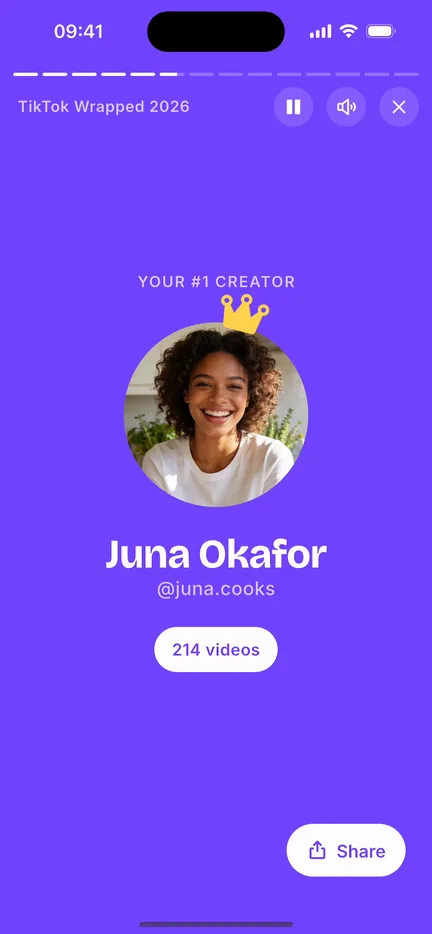
Wrapped turns your data into a story of your year.
You find it in the app. TikTok and Instagram are there for a limited time at the end of the year. ChatGPT Wrapped is coming soon.
 TikTok Wrapped
 Instagram Wrapped
 ChatGPT Wrapped
Questions we hear a lot
The short version, before you download.
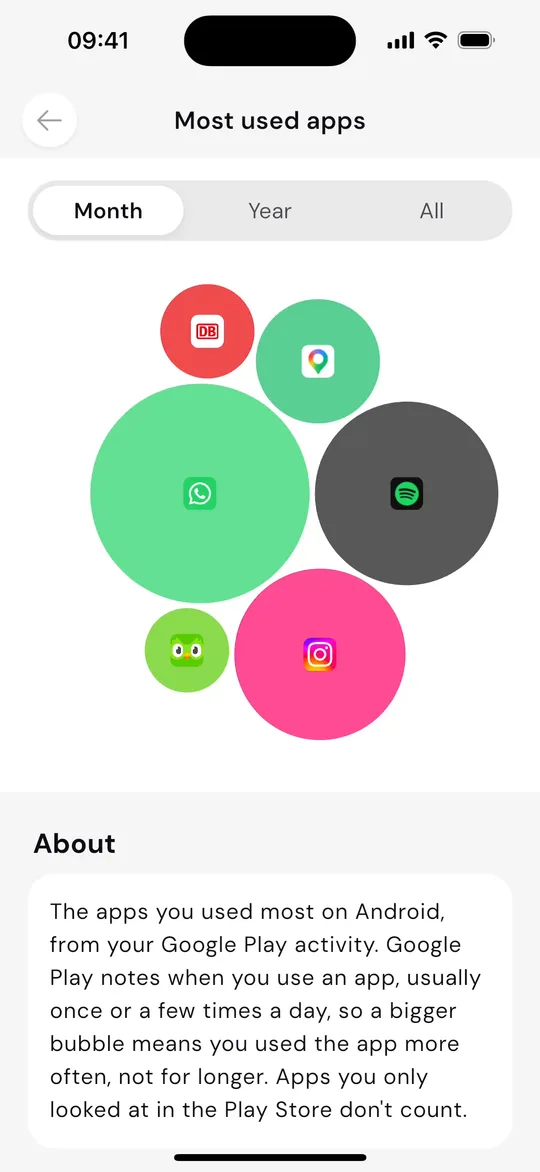
It depends which Google services you use. Connect Google in Datapods and you can see your most-watched YouTube channels, and the apps you use most according to Google Play activity.
Each service stores its own data about you. Connect your accounts in Datapods and see what is stored, in one place, including the traces you leave around the web.
ChatGPT offers an official data export. ChatGPT Wrapped in the Datapods app is coming soon.
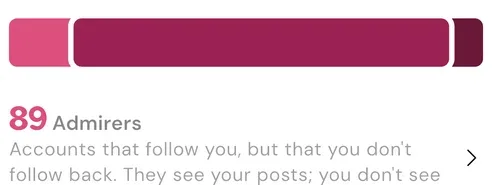
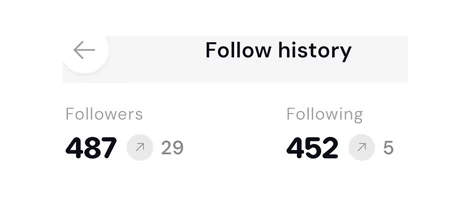
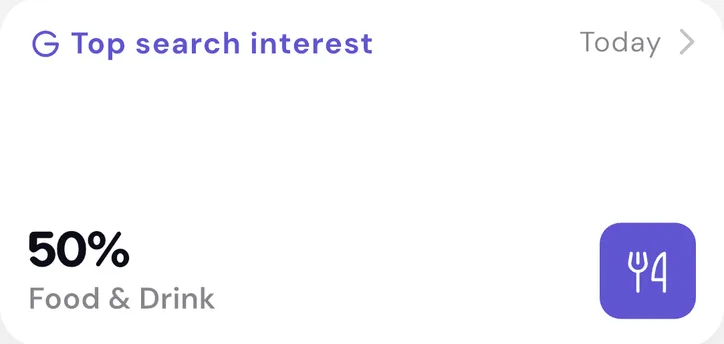
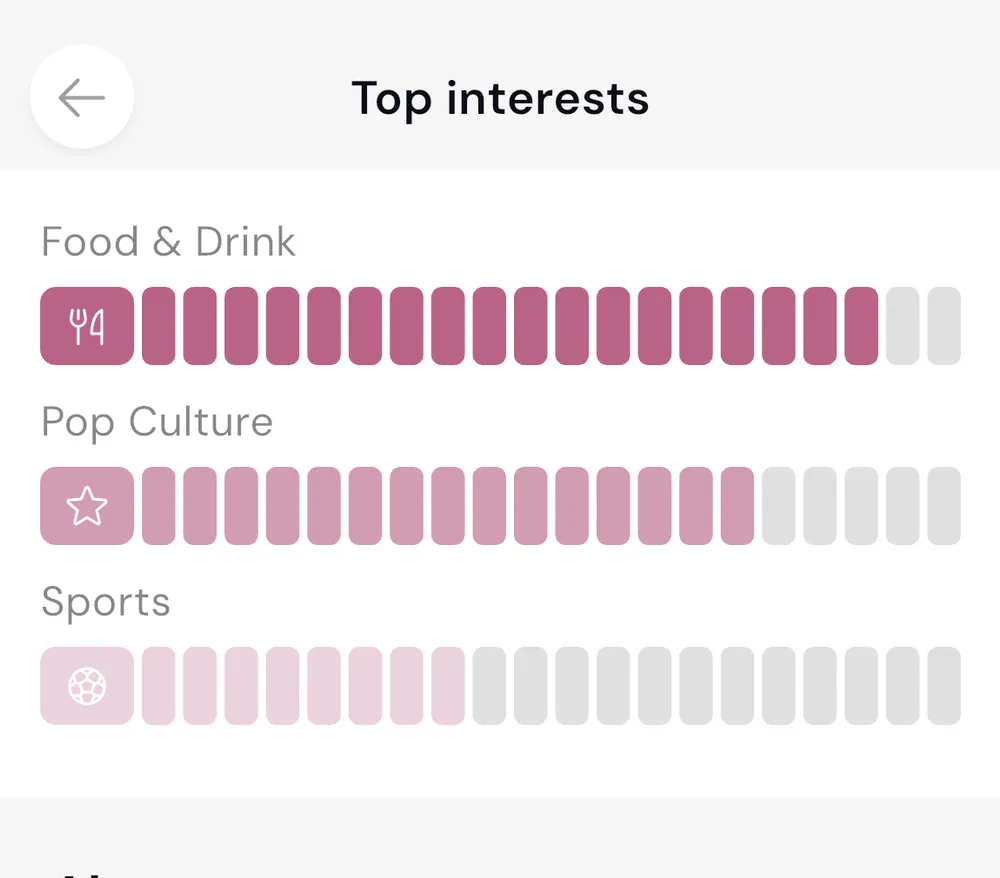
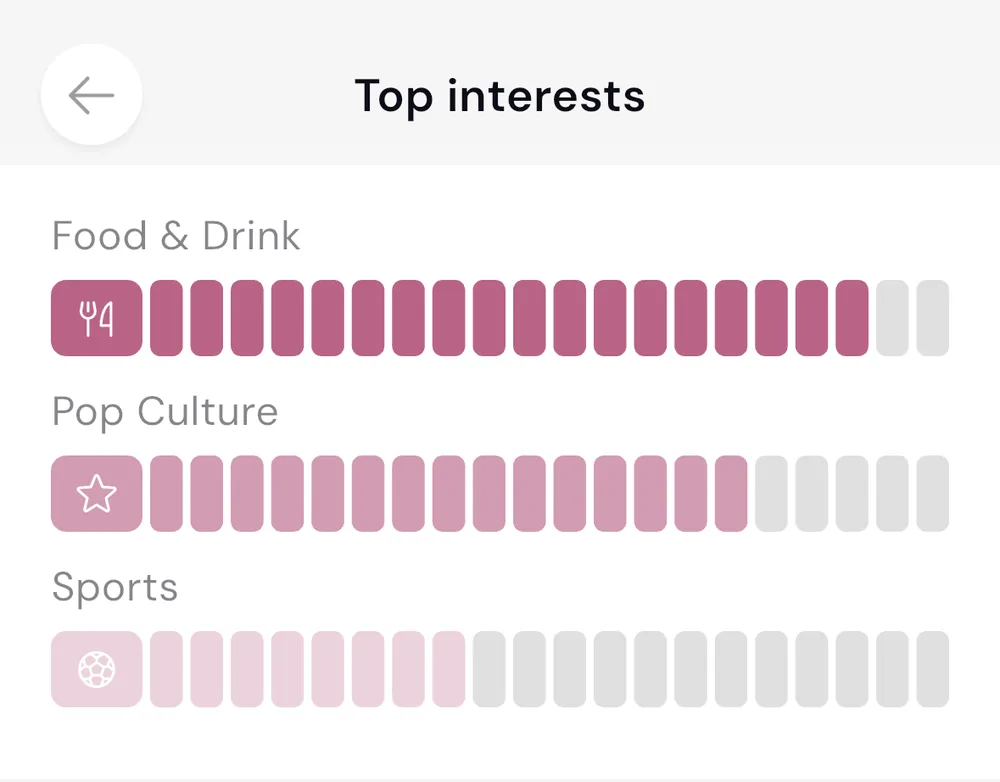
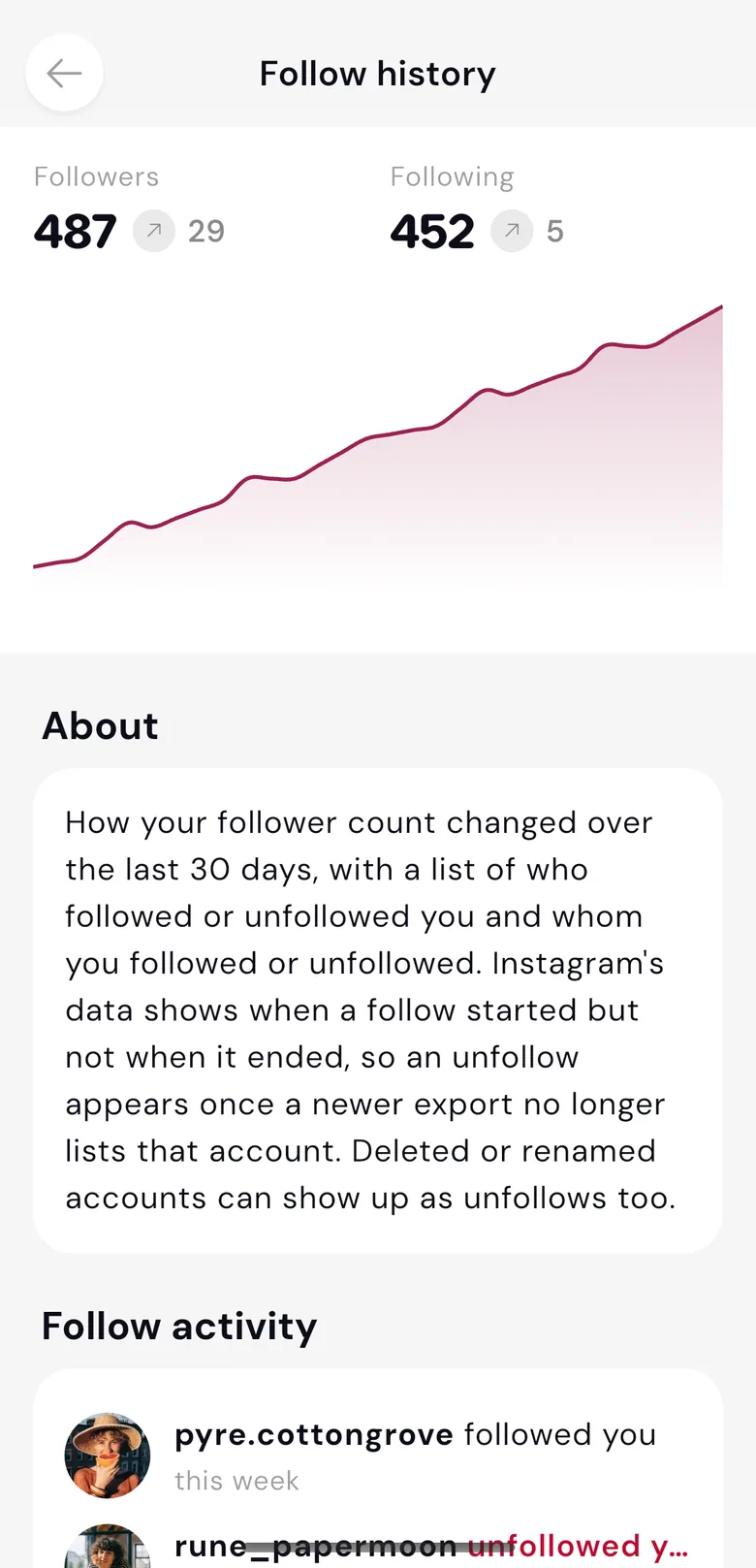
It differs by service. On Instagram, Datapods shows your followers, who you follow, and your top interests. On TikTok, you see how many videos you watch a day, and at what time of day. More in the guide What Facebook and Instagram know about you.
Instagram offers an official download of your information in settings. It is easier in Datapods: connect Instagram in the app and see your data laid out.
Download the app, open Connections and pick a service. Datapods requests your data there, then shows you the overview.
Datapods
Get the app
Connect your accounts and see what is stored, in one place.