Your Instagram follower tracker
See who follows you, who you follow, and how that changes. Without your Instagram password.

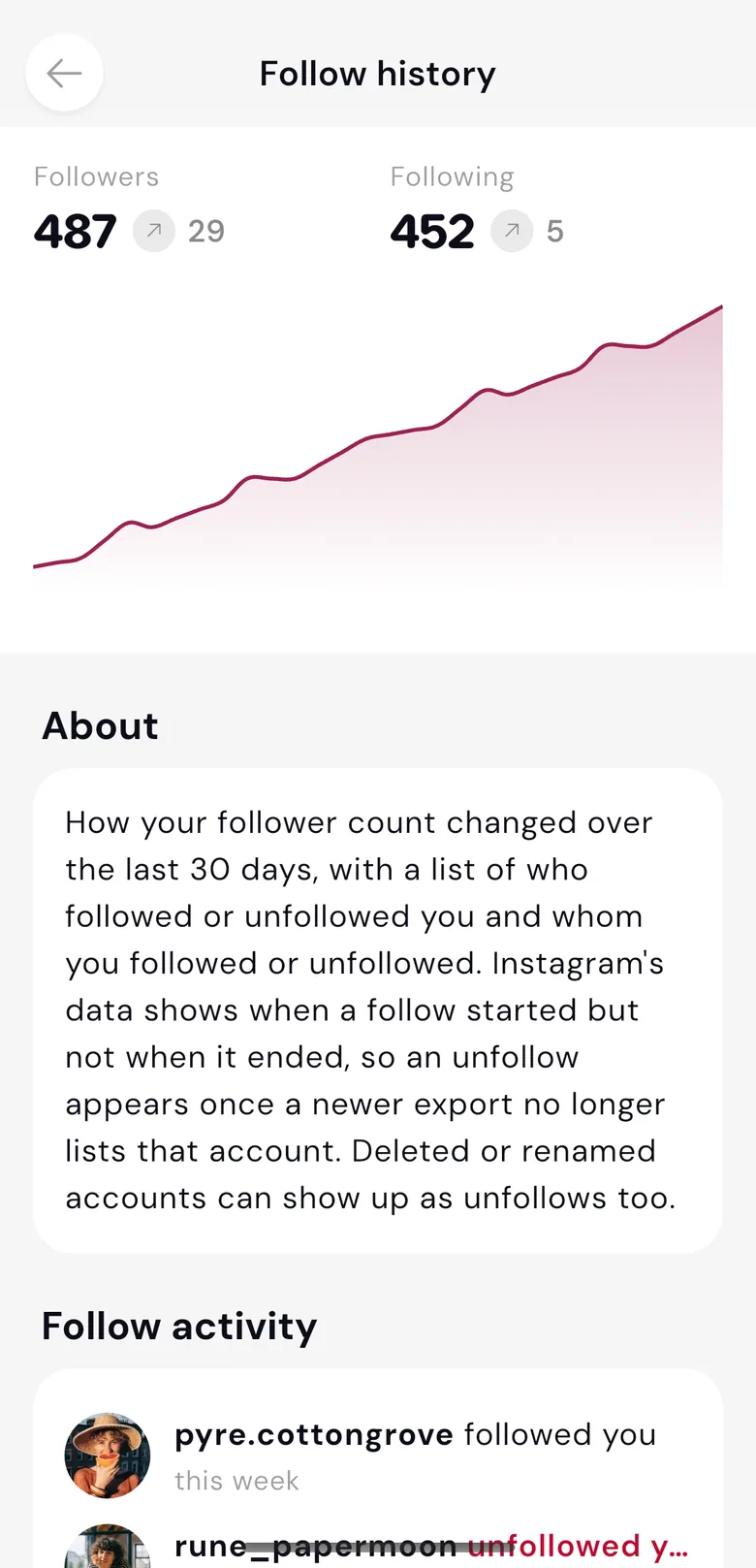
 pyre.cottongrovefollows you
 rune_papermoondoesn't follow you
What the tracker shows
No password. It comes from your account.
Most follower trackers ask for your Instagram login. Datapods never asks for your Instagram password. You connect Instagram through the official interfaces and see the history from your own data. Never type that password into someone else's tool.
Unfollowers, without your password.
Three steps, all in the Datapods app.
Get the app
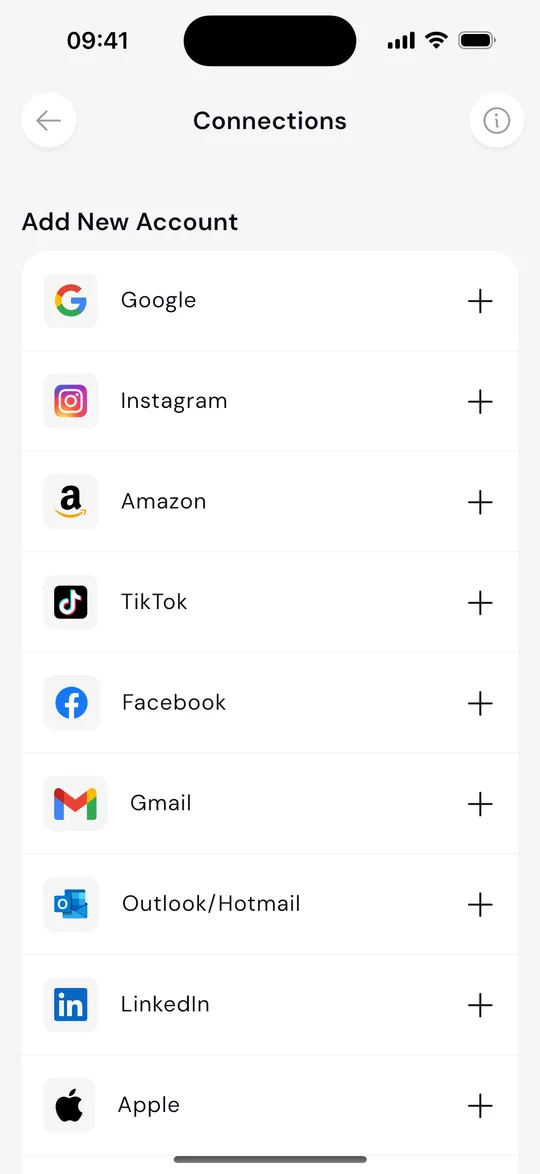
Connect Instagram
See the history
You connect Instagram in the app. The history refreshes with each data update.
Also as Wrapped: your Instagram year
The app also has your Instagram Wrapped, a year told as a story.
Every service you connect is on Understand.
Questions we hear a lot
The short version, before you download.
Connect Instagram in the Datapods app through the official interfaces. Datapods never asks for your Instagram password. Instagram's Account Center can also give you your followers and the accounts you follow as a file. In the app, unfollows show from the moment you connect, by comparing that data over time. There is no alert at the instant someone unfollows you, and you do not upload a file to someone else's site.
Yes. In the Datapods app you can see, for free, who does not follow you back. You connect your Instagram account to do it. Instagram itself does not give you that view. Datapods never asks for your Instagram password.
The Instagram app has no ready-made list for that. Not following you back is a state. It does not mean someone just unfollowed. An unfollow is something you see by comparing over time. In Datapods, unfollows show from the moment you connect Instagram. Followers, and the accounts you follow, go back to the start of your Instagram account. There is no ping at the moment someone unfollows you.
No. The safe route is your own Instagram data, through the official paths in the Account Center. Datapods never asks for your Instagram password. You connect Instagram through the official interfaces. Never type that password into someone else's tool.
Not following back describes who does not follow you right now, even though you follow them. One snapshot is not proof that someone unfollowed you recently. An unfollow needs a before and an after. The follow history in Datapods makes that comparison, from the moment Instagram is connected.
In Instagram's Account Center, under download your information, you can request your followers and the accounts you follow as a file, for example JSON. In the Datapods app you connect Instagram through the official interfaces and see the history there. It refreshes with each data update. You do not upload a file to someone else's site.
No. Instagram does not offer an official unfollow list. Pages under instagram.com/popular are not a built-in feature for that. You see the change over time in the Datapods app, once Instagram is connected.
Datapods
Get the app
Connect Instagram and see your follow history, without your password.